top of page


TeamMed Tutorial: Your Guide to a More Organized Care Journey
Welcome to TeamMed! Here’s how to get started and take control of your care.
Step by Step quick start sign up for Patients (paid users).
Step 1: Sign Up and Create Your Profile
Step 2: Start Your History and Physical (H&P)
Step 3: Invite Your Support Circle


Step 4: Set Up Your Timeline
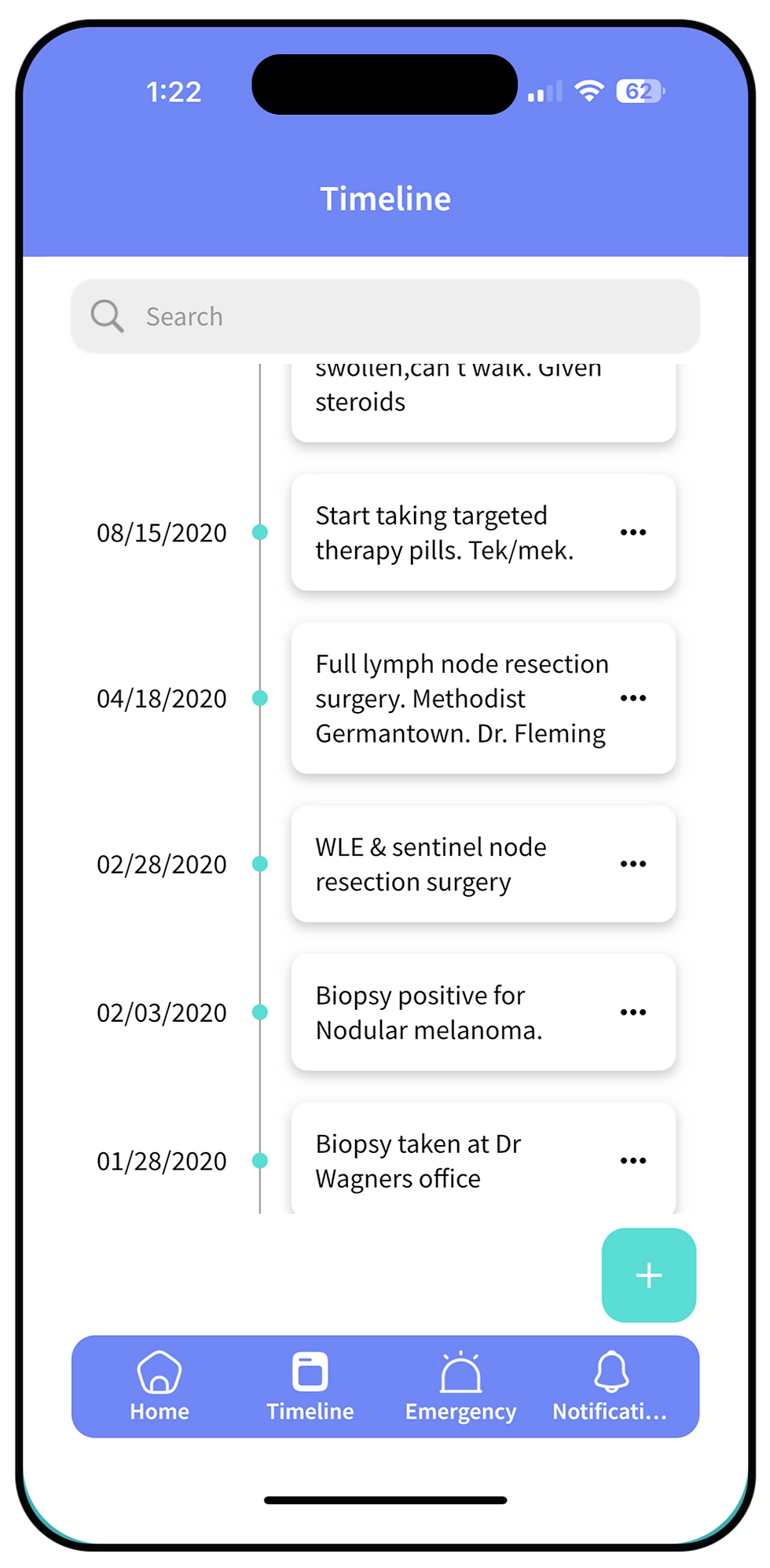
Step 5: Consolidate Your Chaos with Documents

Step 6: Prepare for Your Next Appointment


Step 7: Start Tracking Your Health

Step 8: Give Permissions to your supporters

Step 9: Providers

Step 10: Questions for Providers

Step 11: Medical Payments

Step 12: Newsfeed

Step 13: Newsfeed, errands & Favors, Fundraising, Emergency messages
bottom of page